

Dig into your data.
Work with PostgreSQL, MySQL, and SQLite on your Mac. Your data stays with you. Free to download. For Macs with Apple Silicon.

MoleDB is Mac-only for now (Apple Silicon).
This device isn’t supported yet.
brew tap MarkKiepe/database-viewer

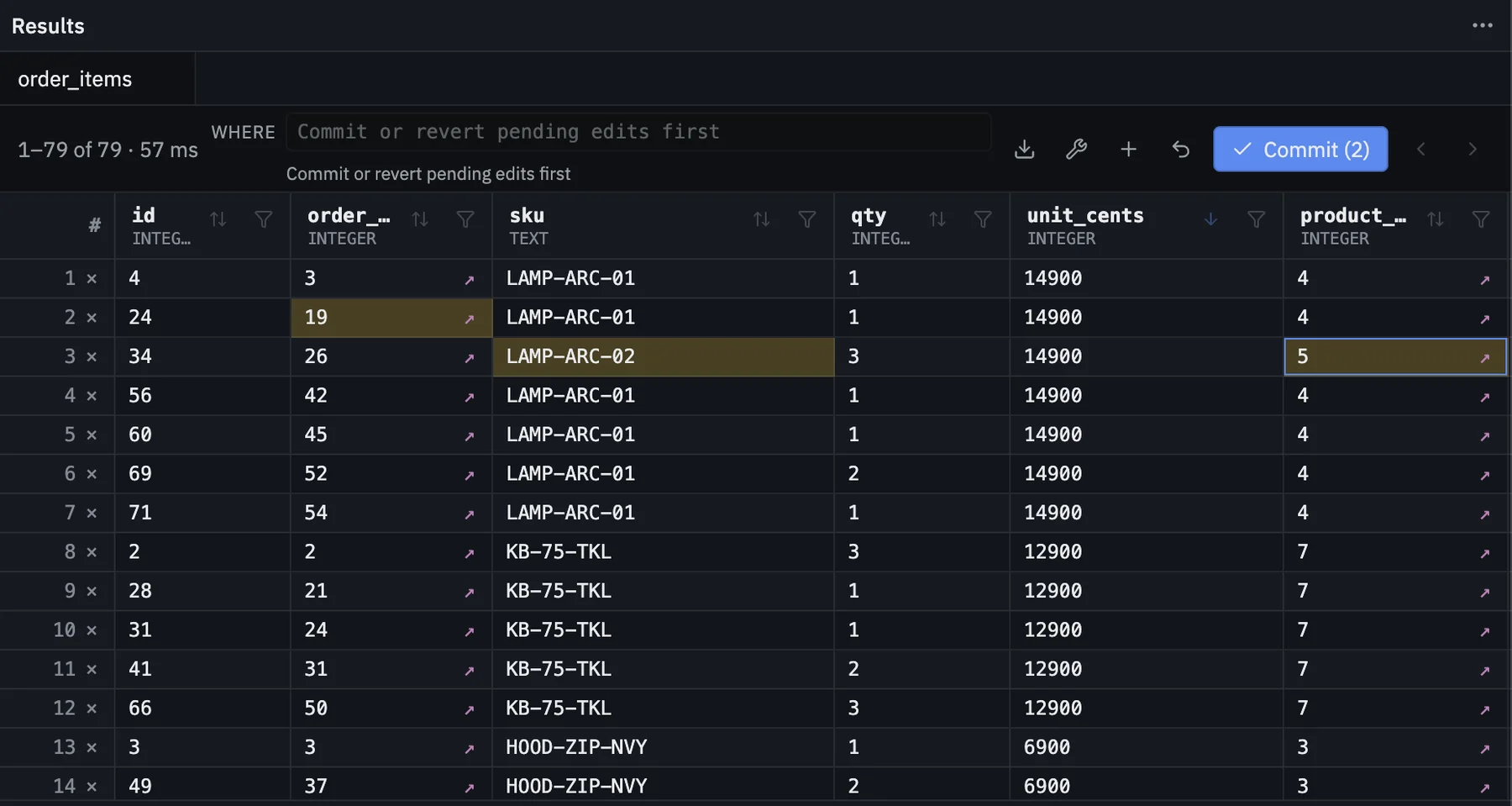
02 / Edit Data
Edit in the grid. Review, then run.
Change cells in the grid. Inserts, updates, and deletes wait until you review them and choose to run them together.

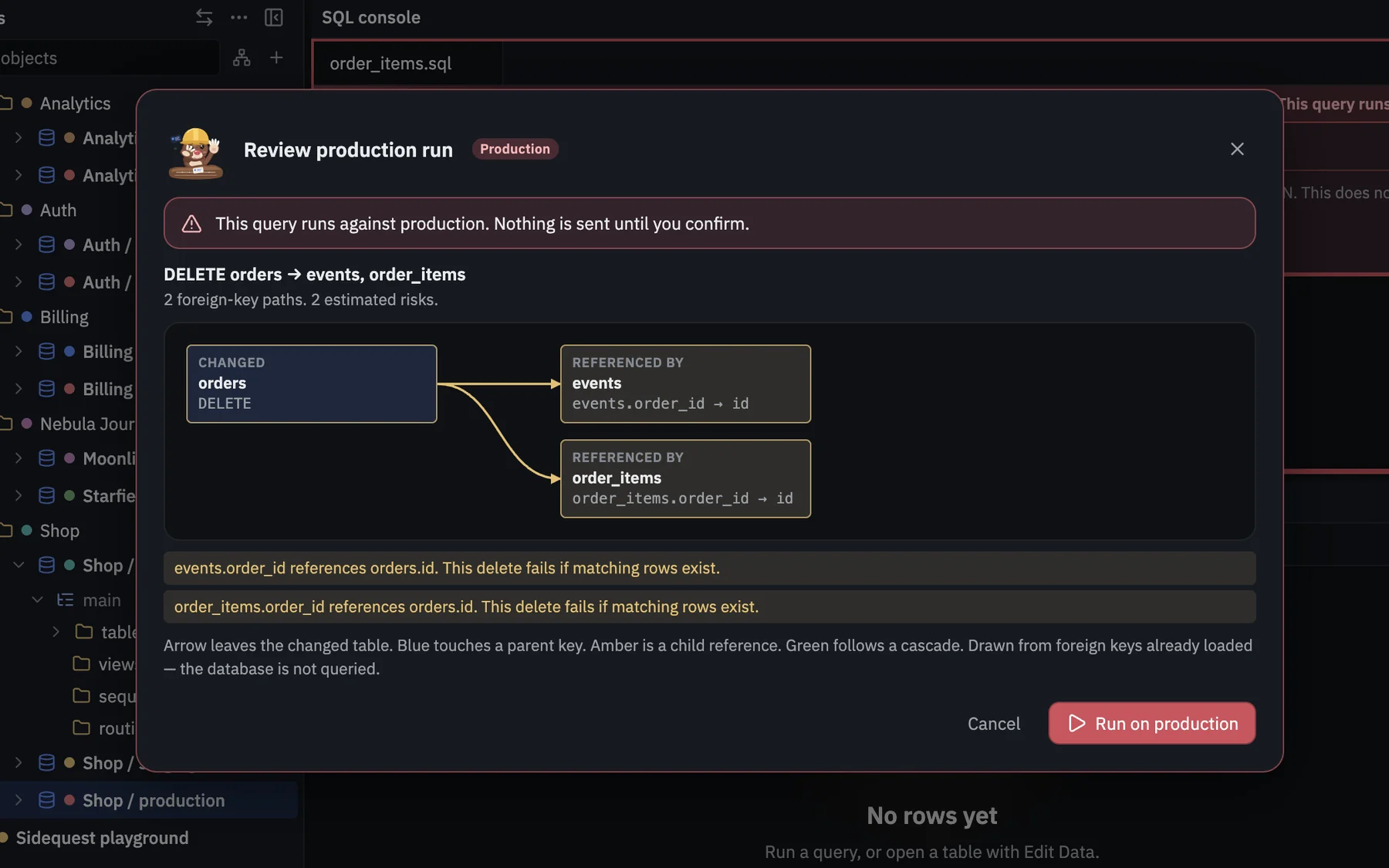
03 / Production
Production writes wait for you.
Mark a connection Local, Staging, or Production. On production, a write at or above a threshold — 50 rows by default — asks you to confirm before it runs. The review window is framed in red.
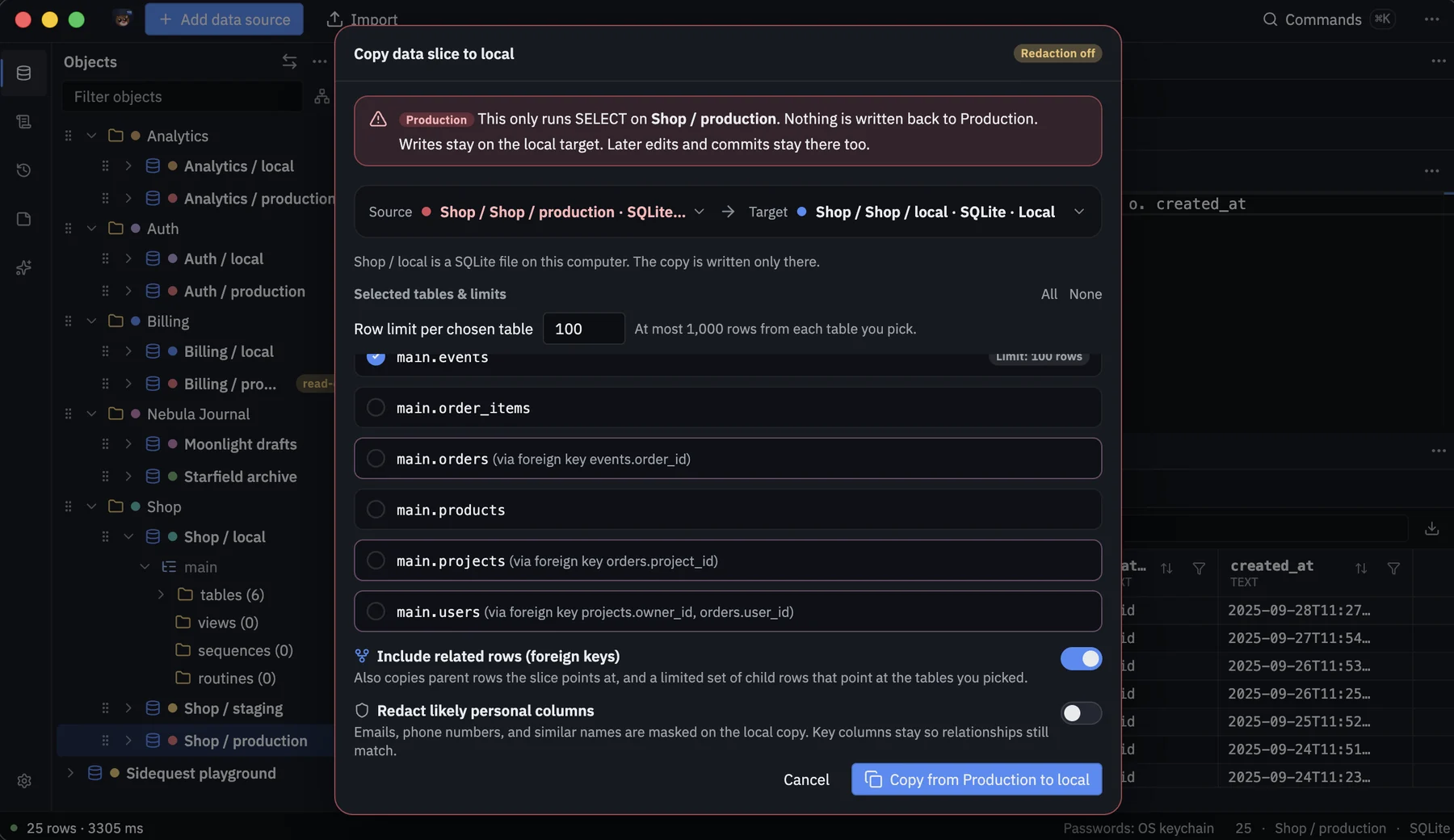
04 / Slice to local
Bring a slice home.
Copy rows from any connection, including one marked Production, into SQLite or a PostgreSQL connection marked Local. You can cover likely personal details and set a row limit. The source is only read.
05 / Long values
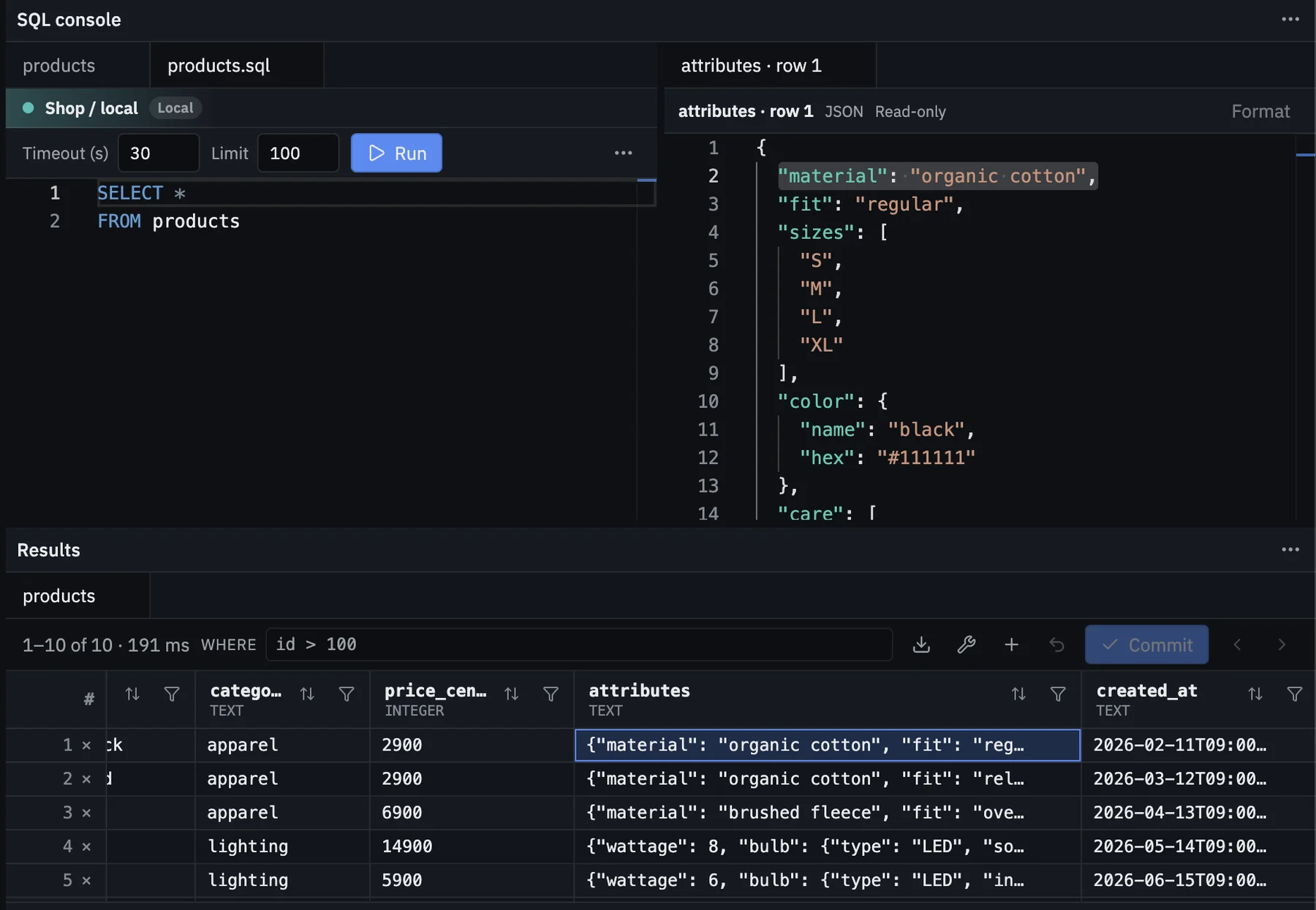
Long cells, readable.
Open JSON or other long values in a side panel with formatting, line numbers, and copy.
06 / Results grid
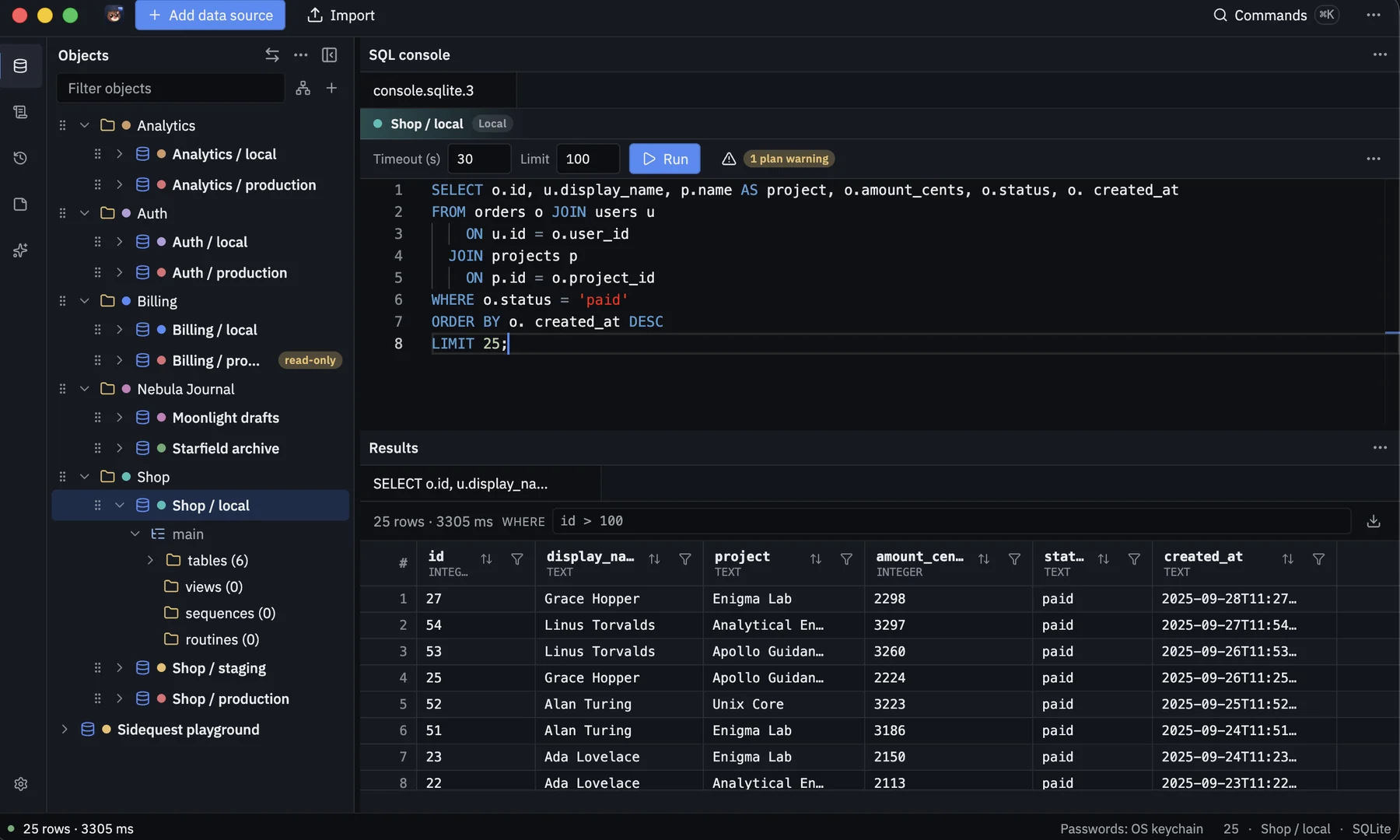
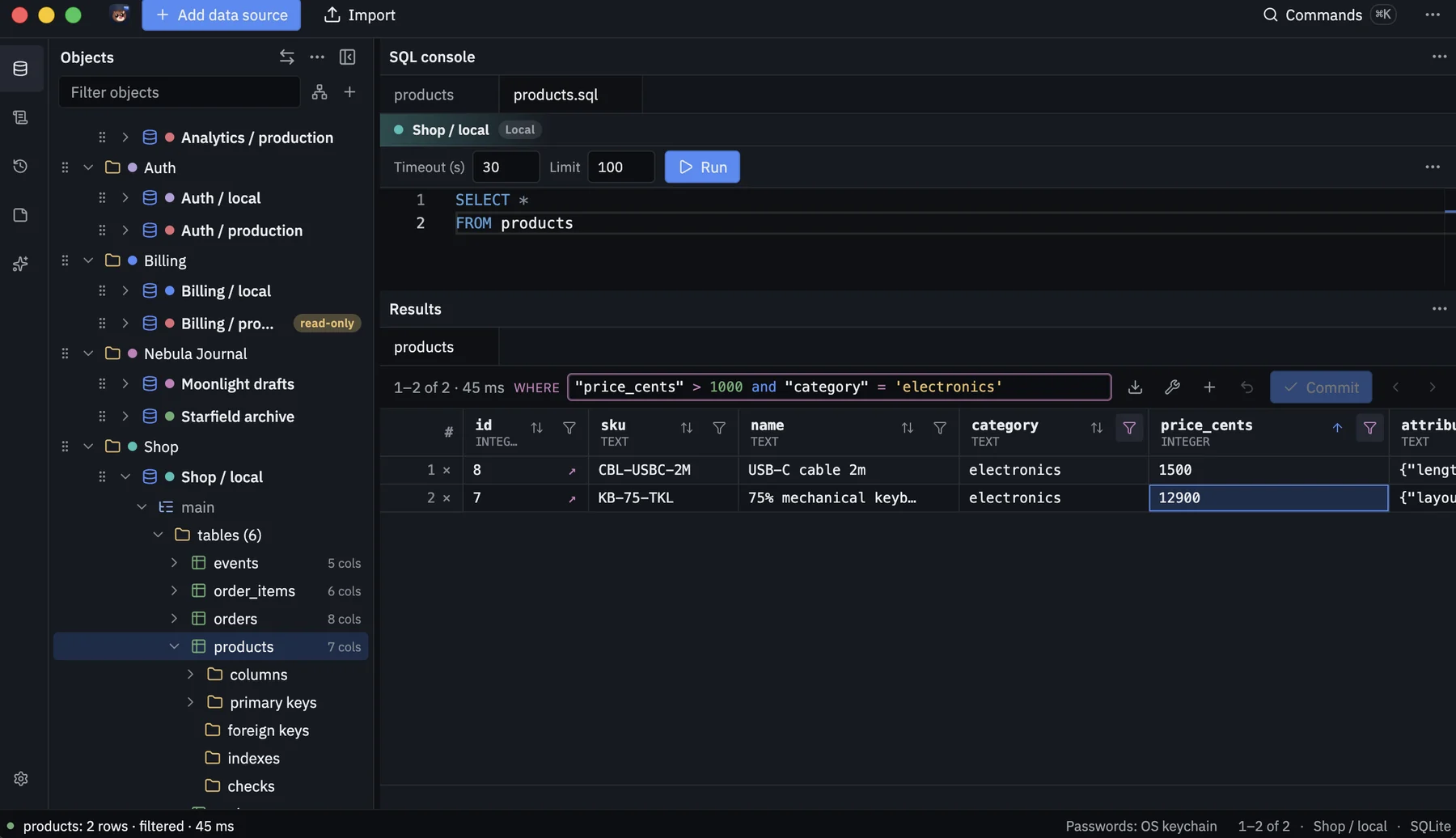
Filter the rows in front of you.
Type a WHERE clause on the results grid to narrow rows without rerunning the query.
07 / Results grid
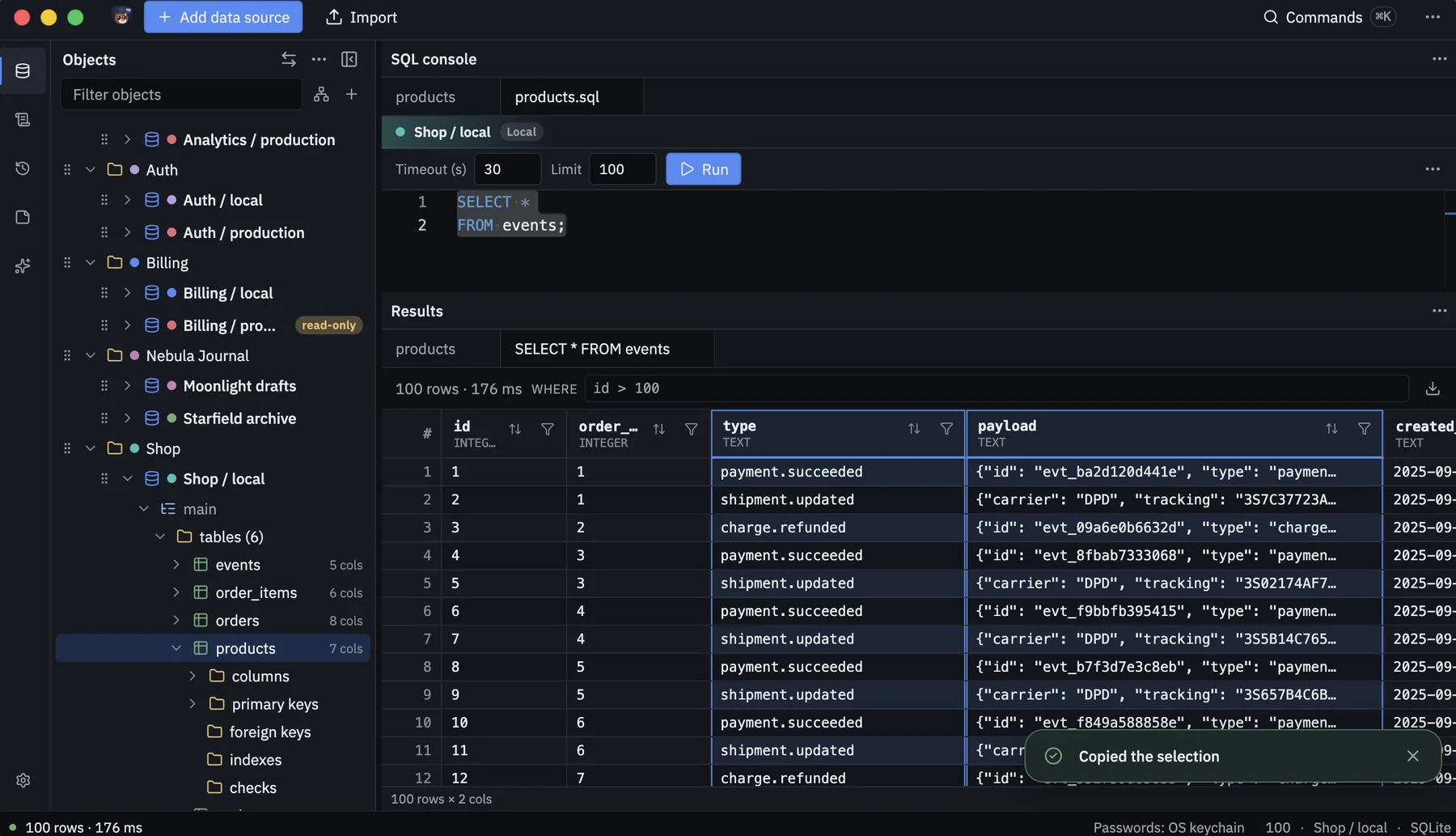
Select the cells you need.
Select cells in the results grid and copy the selection in one step.
08 / Safety settings
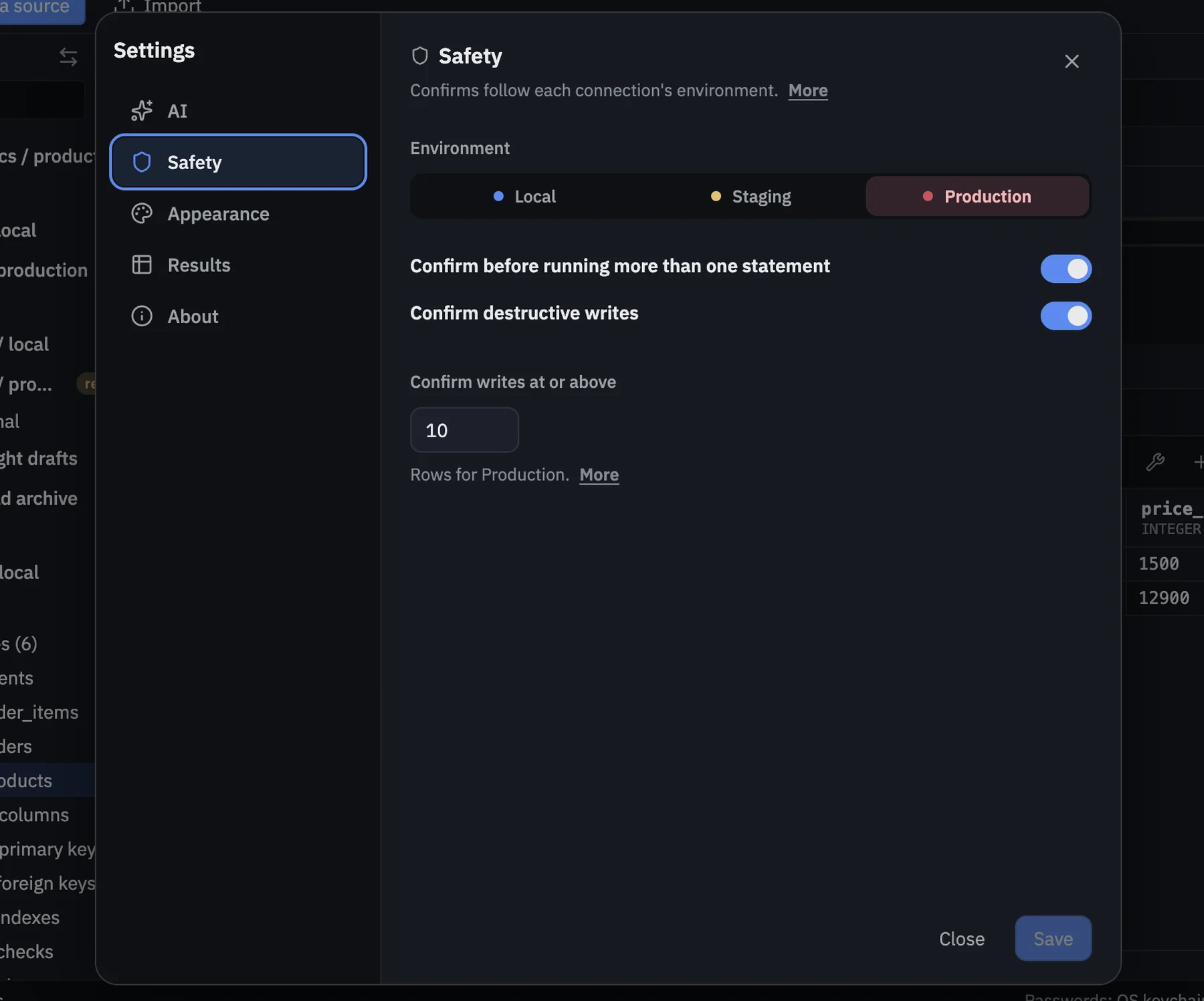
Safety, per environment.
Settings → Safety is where production writes at or above the threshold ask you to confirm. The default is 50 rows. Read how safety works.
Your key
Bring your own AI key.
Bring your own AI key. It stays on your Mac, stored securely. Sending sample rows is your choice.
Ready when you are.
Free to download. Your data stays on your Mac. Apple Silicon Macs for now.
MoleDB is Mac-only for now (Apple Silicon).
This device isn’t supported yet.
brew tap MarkKiepe/database-viewer